Audio Visualizer Examples
A curated gallery of audio visualizer styles and sample soundwave designs created with the tool. These examples show how bars, waves, lines, and radial visualizations can be optimized for polished audio content.
Audio visualizer style gallery
These audio visualizer examples highlight 10 different visualization styles that work well for music, podcasts, social media clips, and video overlays. Each example is labeled with tags like bar, wave, line, smooth, rough, high detail, and low detail so you can quickly compare the visual direction.
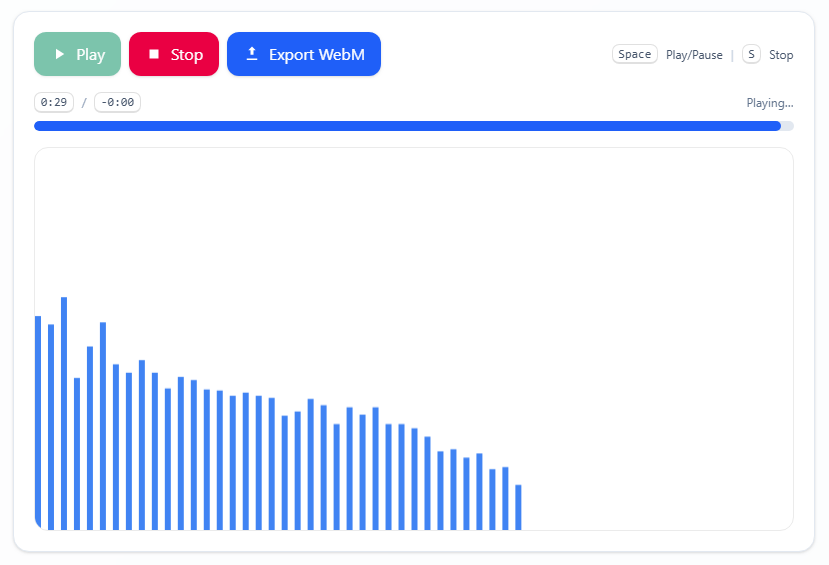
Smooth bar visualizer
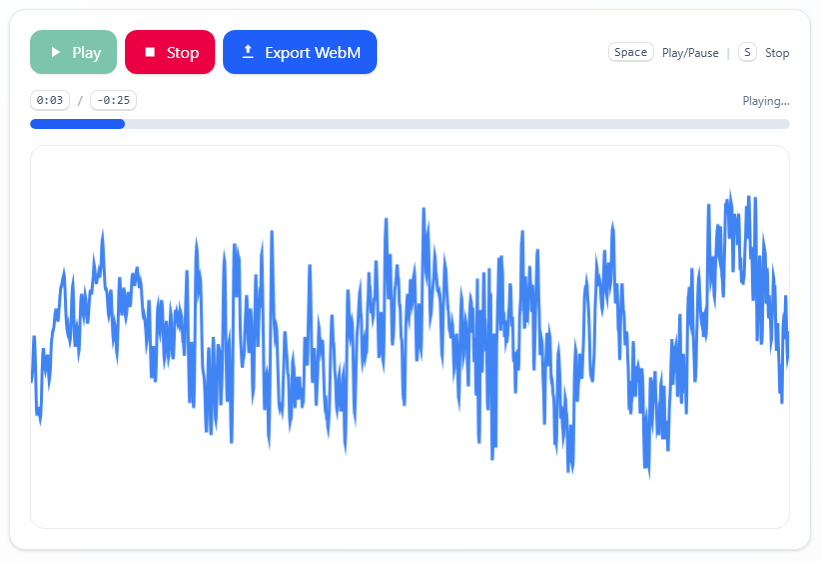
Rough wave visualizer
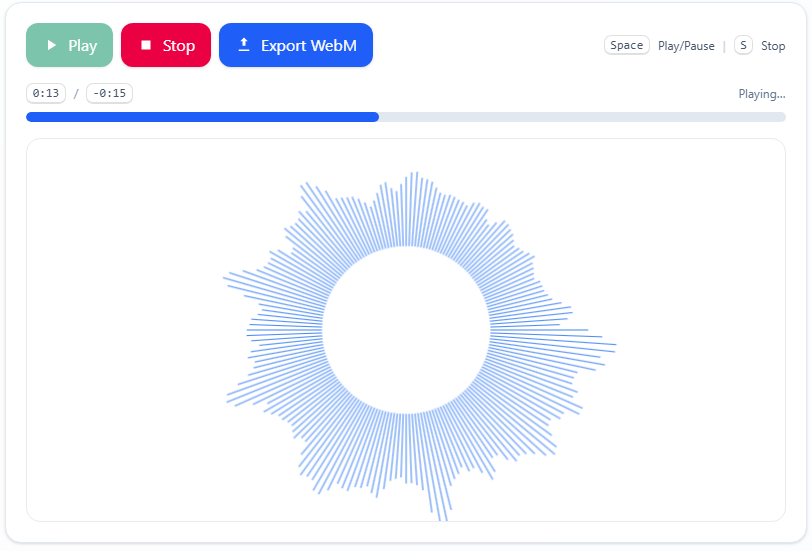
Detailed radial bars
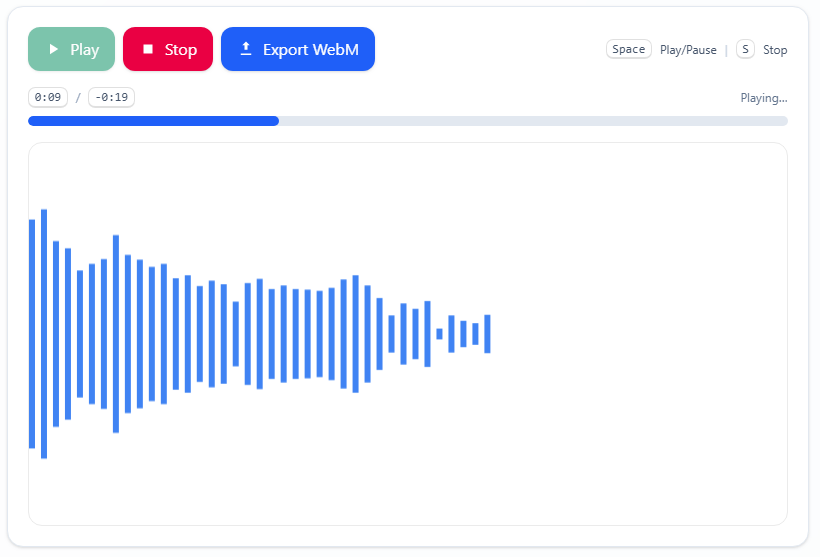
Mirror bar visualizer
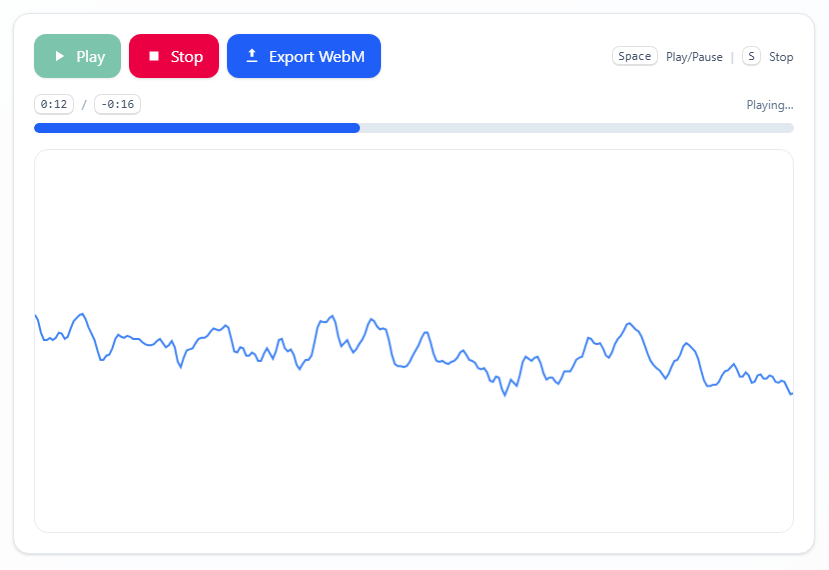
Soft line visualizer
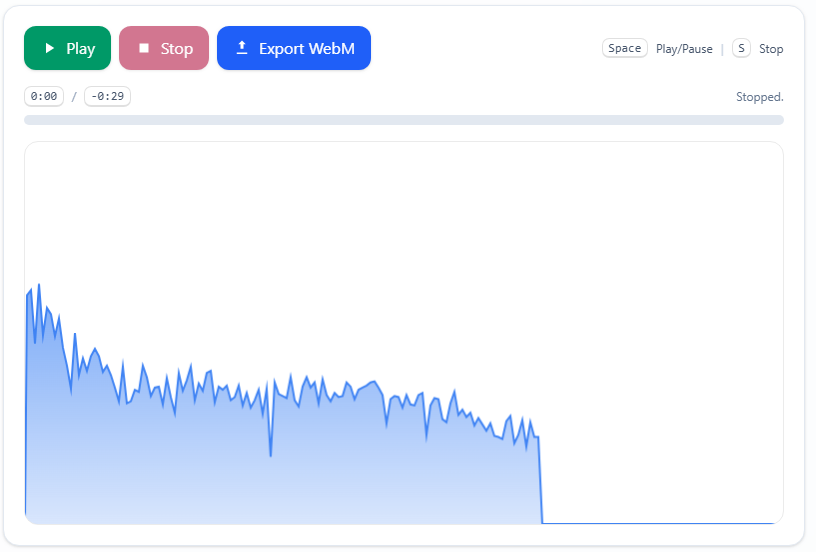
Mountain waveform
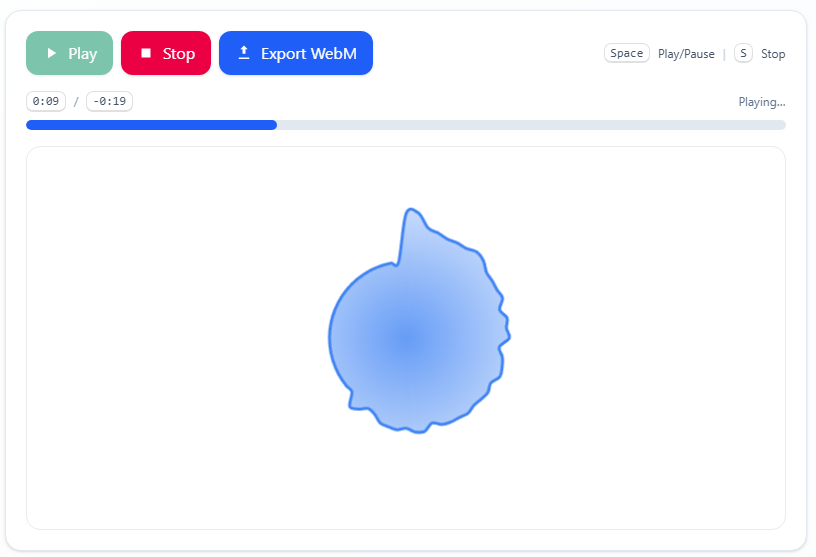
Organic blob visualizer
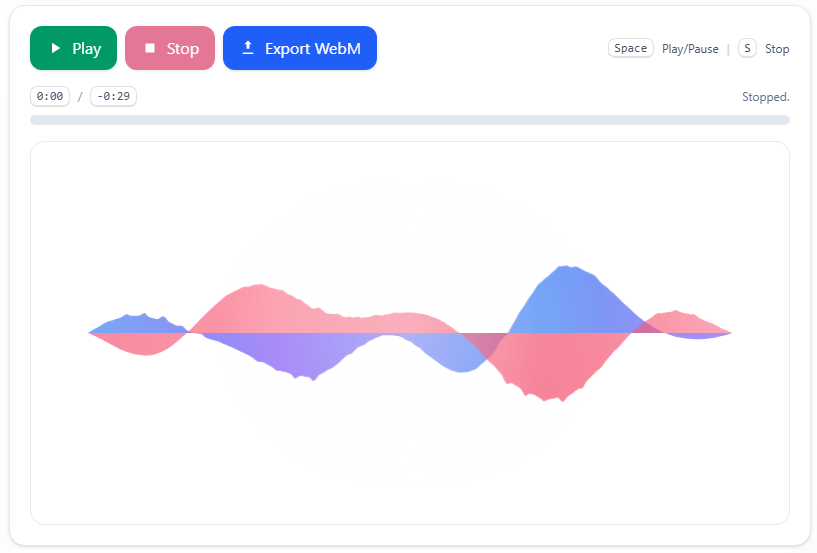
Siri effect visualizer
Why these audio visualizer examples matter
Each example is designed to show real-world uses of the audio visualizer tool, from short social clips to podcast promos and motion graphics. These previews help visitors choose a visual style that fits their sound, whether they want a polished bar chart or an expressive waveform.
How to pick the right audio visualizer style
The choice depends on your content: use smooth bars for a modern, clean audio visualizer, waveforms for energetic music, radial bars for focused intros, and mirror bars for cinematic motion. This gallery makes those decisions easier by pairing each example with clear tags and visual cues.